Version 3.1.5 · Free for VS Code
Search everything in VS Code.
Press Shift Shift to find files, folders, text, symbols, usages, and commands from one popup, like Search Everywhere in JetBrains IDEs.
code --install-extension expiracy.search-plus-plus
Six search modes
Click a tab or press Tab to switch search modes.
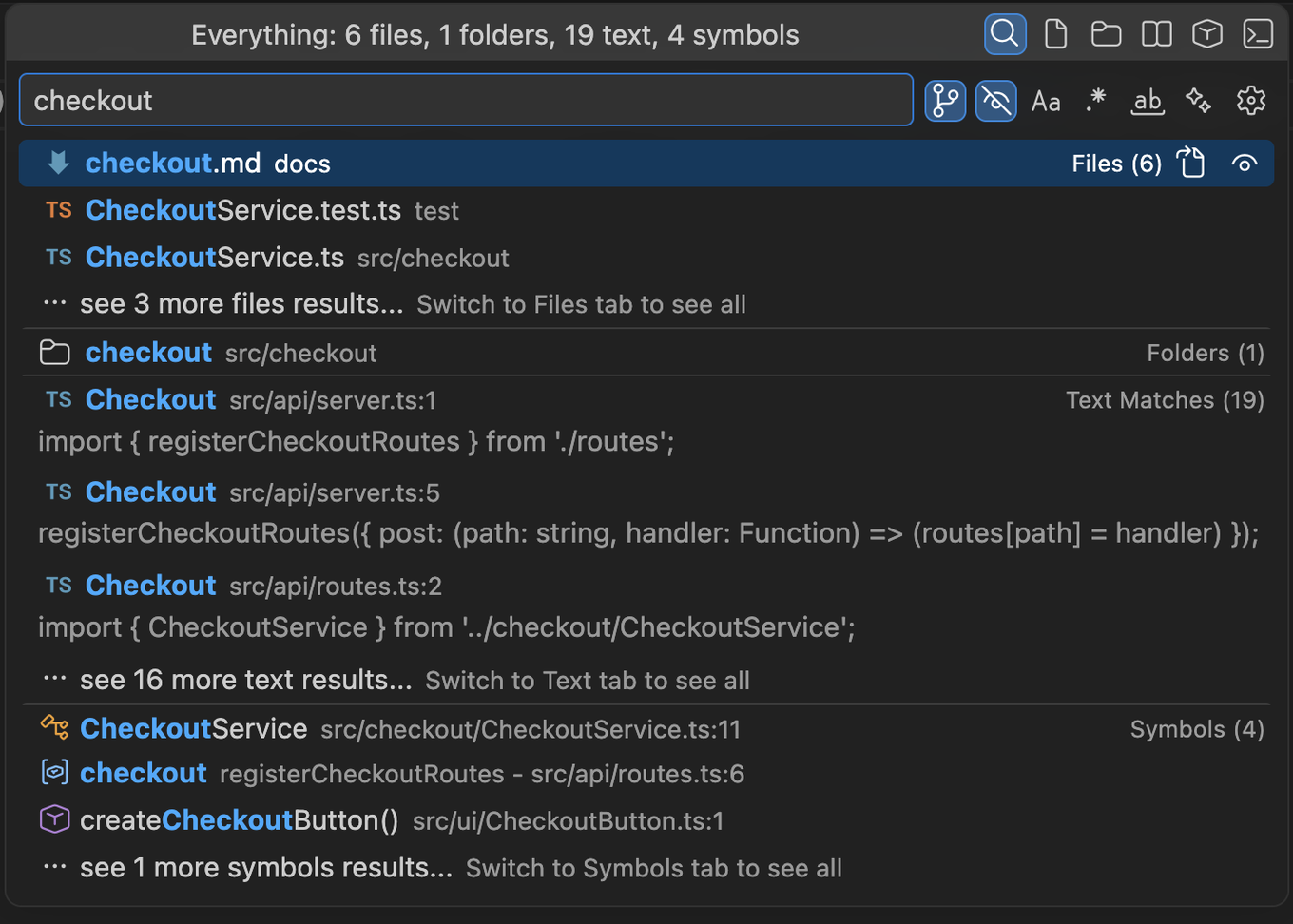
Everything
Files, folders, text, symbols, and commands, grouped by source.
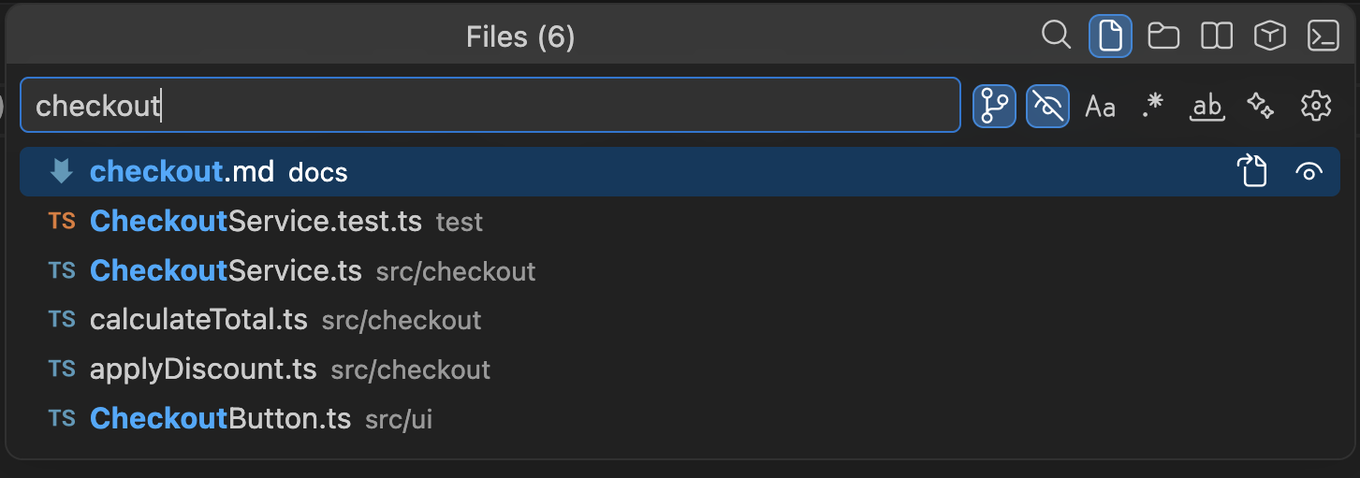
Files
File names and paths across your workspace.
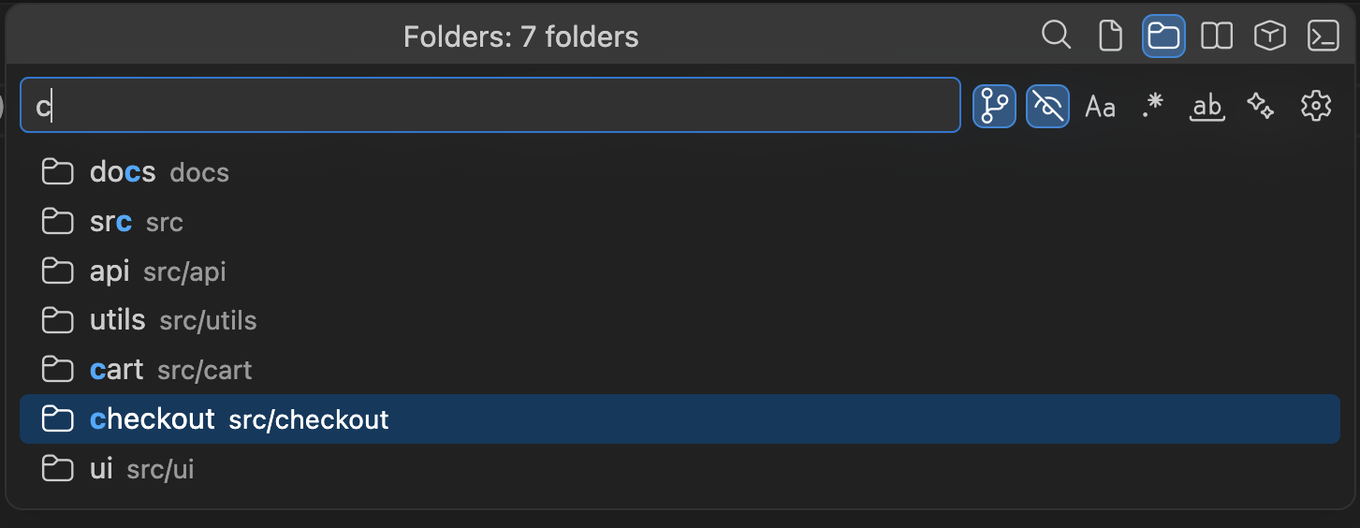
Folders
Folders with searchable files. Open one to reveal it in the Explorer.
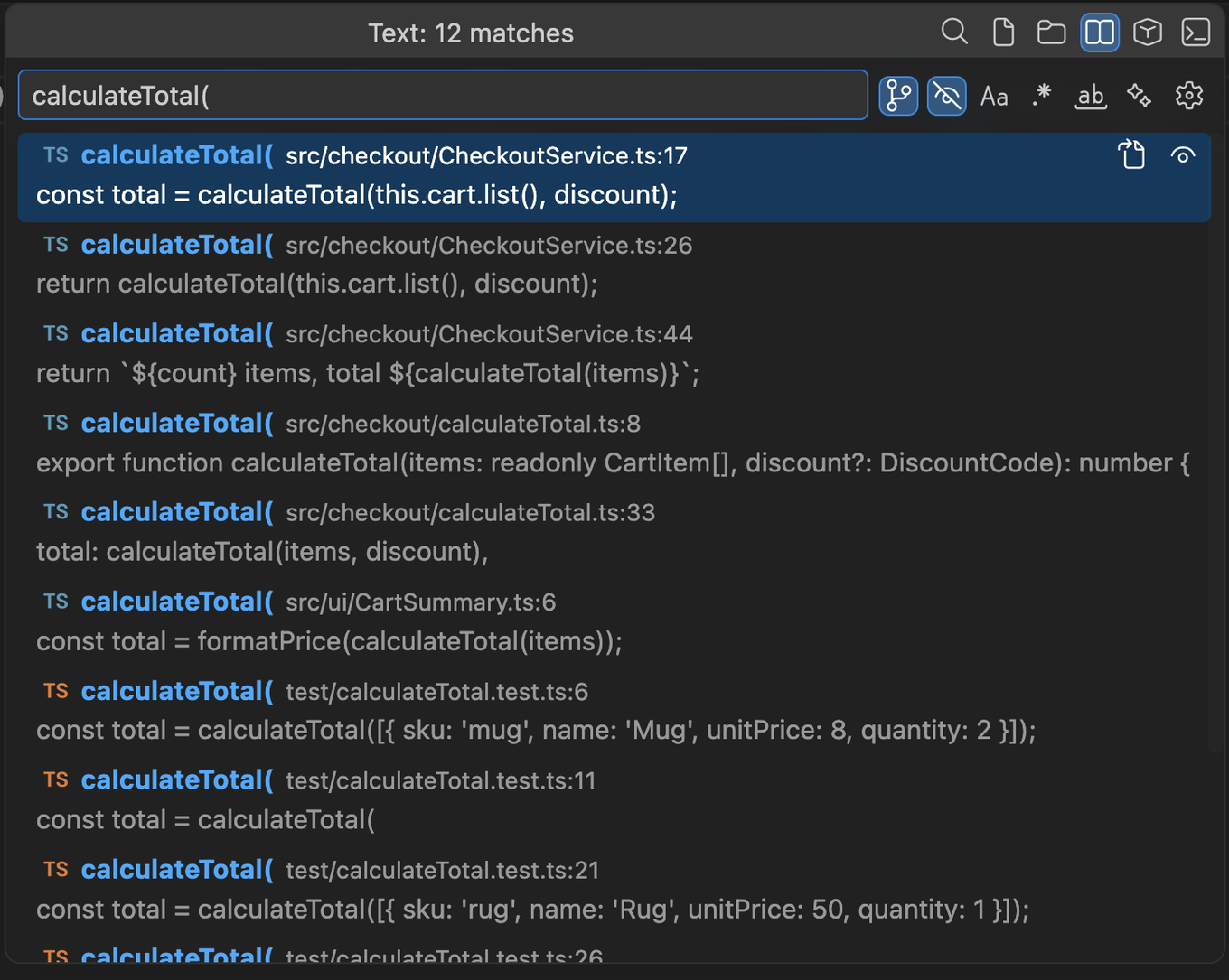
Text
File contents, including notebook cells, with matching lines shown in the results.
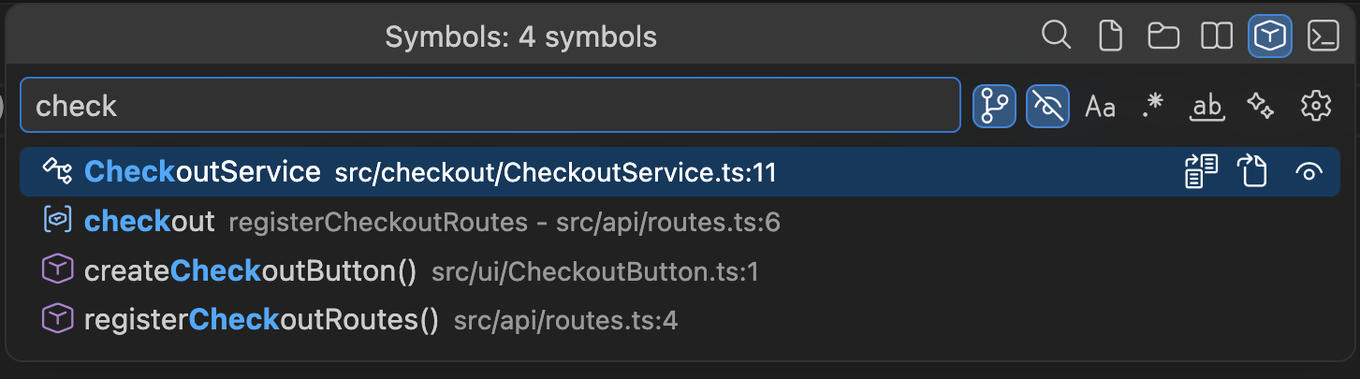
Symbols
Classes, functions, and variables from your language extensions.
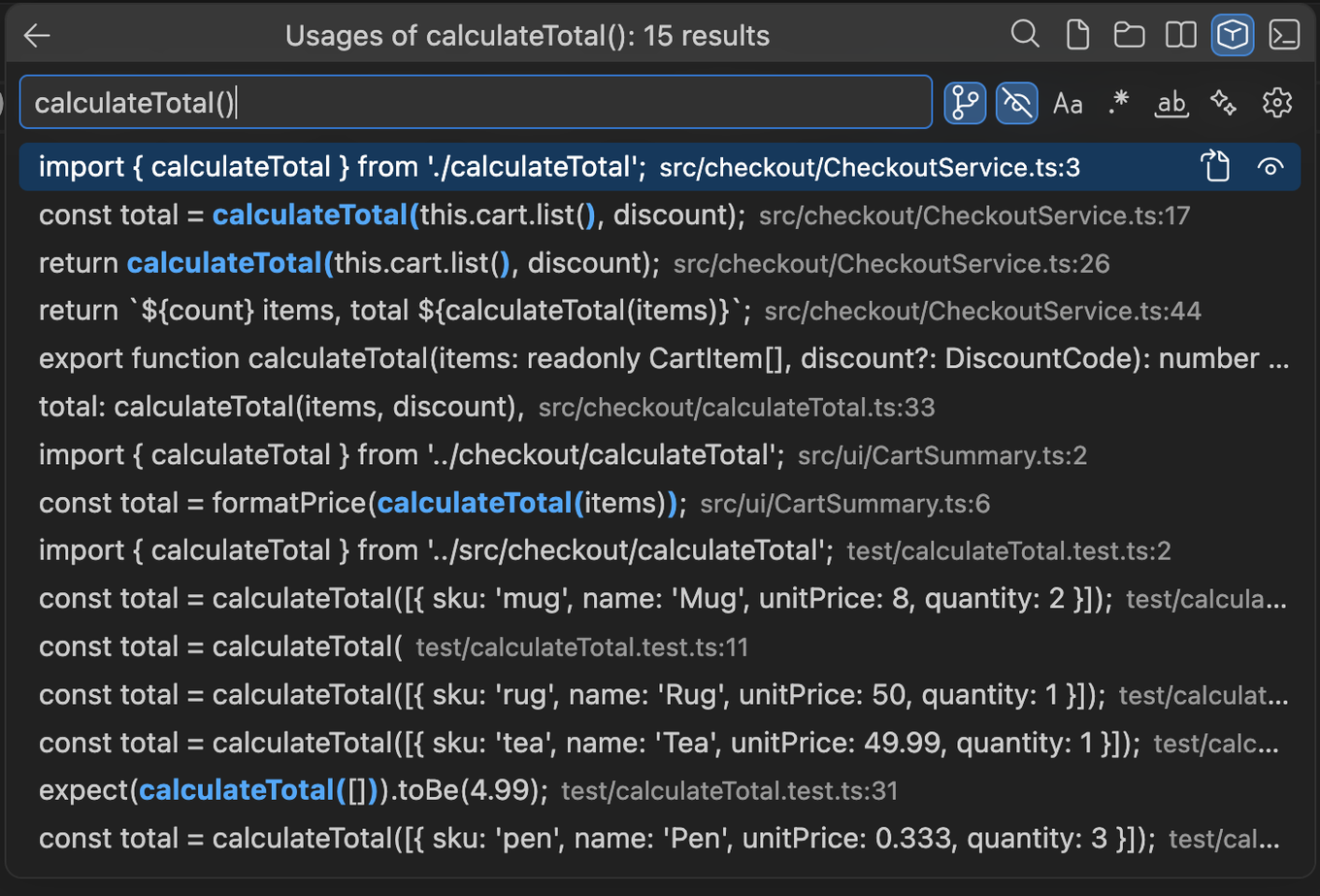
Usages
Every reference to the selected symbol. Press Cmd+ReturnCtrl+Enter on a symbol to get here.
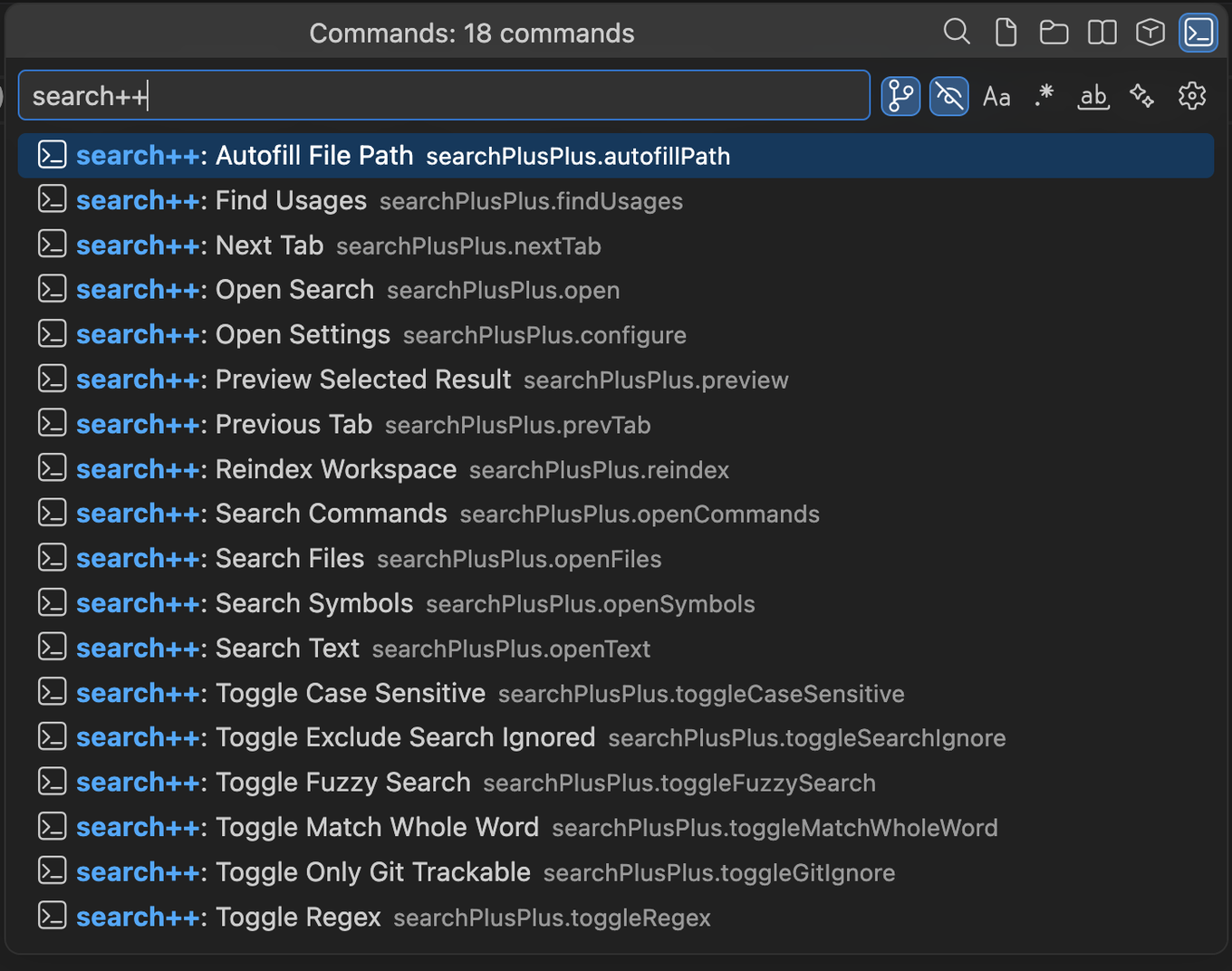
Commands
Every VS Code command, built in and from your extensions.
More features
- Preview
- Press → at the end of your query, or click a row's eye button, to preview a result without closing the popup.
- Find usages
- Press Cmd+ReturnCtrl+Enter on a symbol to list its references. Type to filter them; Back returns to your search.
- Go to line
- Type
file.ts:14orfile.ts:14:5to open a file at a line and column. Full paths work outside the workspace. - Recent history
- Reopen recent files and locations. Enable
rememberLastSearchto restore your previous search. - Search options
- Case sensitive, regex, whole word, and fuzzy matching, each on a toggle and a shortcut.
- Ignore files
.gitignore,.searchignore, and custom path exclusions control which files appear in results.- Layout
- Reorder or hide tabs, choose the starting tab, and add VS Code or IntelliJ style shortcuts.
- File index
- The status bar shows indexing progress and the file count. Click it to reindex.
- Remote workspaces
- Text search runs on the remote extension host when ripgrep is available there.
Keyboard shortcuts
- Shift Shift
- Open search
- Tab
- Next mode
- ReturnEnter
- Open at the matched line
- → or CmdCtrl →
- Preview
- CmdCtrl ReturnEnter
- Find usages
- Shift F12
- Find usages
- OptionAlt C R W F
- Case, regex, word, fuzzy
- OptionAlt G S
- Ignore rules
Walkthrough
53 seconds, with captions.

Install search++
Free on the VS Code Marketplace. The source is on GitHub.
Report bugs and request features in GitHub issues. You can support development on Ko-fi.